AI planner app
AI planner app for iOS, Android, and web
GoMind AI is a free AI planner for iOS, Android, and web with location reminders, habits, notes, and a private hub. Use AI Mode when you want it to run the app for you, or Manual Mode when you want full control. Built for busy and ADHD minds — not for replacing Google Calendar at work.
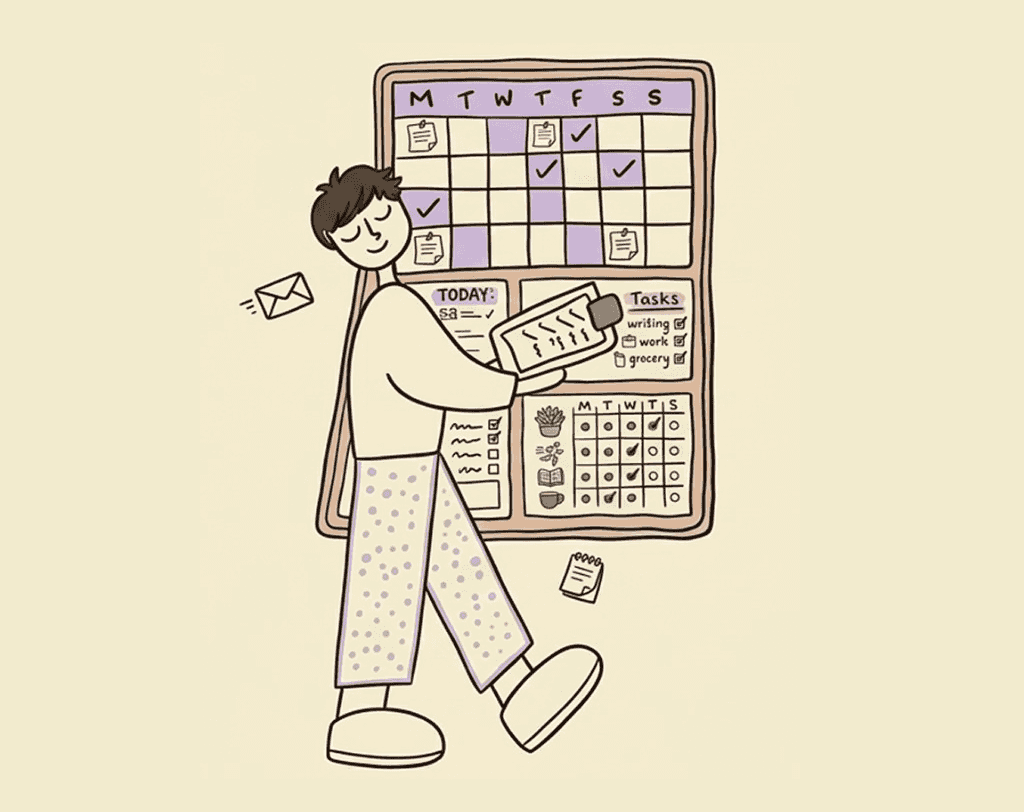
Staying organized usually means juggling apps — one for tasks, another for habits, a calendar, a notes app, reminders you set and forget. Every extra screen is a small tax on your attention. And the moment an app takes real effort to learn or navigate, most people quietly stop using half of what it offers — not because the features aren't useful, but because exploring them feels like one more thing to figure out.
GoMind AI removes that tax. AI Mode isn't limited to adding a task or checking one off — it can control the entire app, the same way you'd control it by hand, just without the hand. Ask it and it acts.
How GoMind AI compares to other AI planners
Motion, Reclaim, and Sunsama rank for “AI planner” because they auto-schedule work calendars. GoMind AI is the AI planner for the rest of your life: errands, habits, private notes, and reminders that fire where you are.
| GoMind AI | Motion | Reclaim | TickTick | Tiimo | |
|---|---|---|---|---|---|
| Best for | Mobile life + errands | Work auto-scheduling | Google/Outlook calendar | Tasks + habits | Visual ADHD days |
| Location reminders | Unlimited, map + directions | No | No | No | No |
| AI vs manual | Both first-class | AI-first | AI on your calendar | Limited AI | AI co-planner |
| Habits + notes + hub | Built in | No | Habits as calendar blocks | Habits + Pomodoro | Routines, not a vault |
| Free plan | Yes, iOS & Android | Trial only | Limited free | Yes | Limited free |
Full write-ups: vs Motion, vs TickTick, vs Tiimo, location-based reminders.
What that looks like day to day
- Your day, on demand — "What's on my plate today?" pulls together your calendar, tasks, habits, and reminders into one real answer.
- Planning ahead — "What does next week look like?" or "Move my dentist appointment to Thursday" — GoMind restructures your schedule without you opening five screens to do it.
- Progress, at a glance — "How's my habit streak?" or "What did I get done this week?" — GoMind tracks and reports back, so you're not manually reviewing logs to know if things are working.
- Settings and preferences — "Turn on reminders for my evening habits" or "Switch me to Manual Mode" — even the app's own configuration responds to a request, not a settings menu hunt.
Why a unified AI planner matters
The advantage isn't just speed — it's that nothing gets left undiscovered. In a manual app, features you never learned might as well not exist. In GoMind AI, every capability is one sentence away, whether you knew it was there or not. You don't have to know the app to use all of it.
That's the shift: from managing an app to directing one — and letting it handle the rest.